


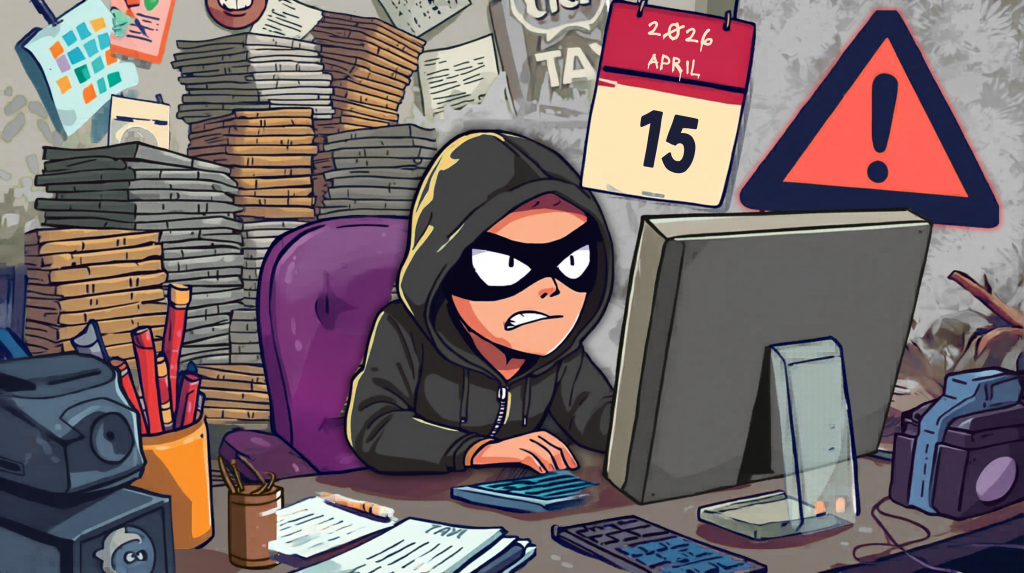
Tax season comes with tight deadlines, lots of document sharing, and more pressure than usual. That combination makes it a high-risk time for cybersecurity, especially for small and mid-sized businesses.
In this episode of Stimulus Tech Talk, we break down practical technology steps that help you prepare for tax season while keeping sensitive financial data safe. Below are the biggest takeaways, plus how to listen to the full episode on your favorite podcast platform or watch it on our YouTube channel.
Why Tax Season Is a Prime Target for Hackers
During tax season, businesses are:
- Exporting reports from accounting systems
- Sending W-9s, 1099 details, and payroll data
- Granting accountants access to tools and files
- Moving sensitive documents quickly, often under stress
Attackers take advantage of urgency with phishing emails, fake IRS links, and third-party account attacks.
Top Tax Season Cybersecurity Tips for Business Owners
1) Keep tax documents in one secure place and organize them
One of the most common problems we see is financial data stored everywhere: desktops, inboxes, personal laptops, shared drives, and random folders.
Better approach: store tax and finance documents in one secure system with clear folders and restricted permissions.
Quick win: Create a “Tax Season” folder with subfolders like:
- Payroll and benefits
- Vendor W-9s and 1099s
- Financial statements
- Bank and credit card statements
- Prior-year returns
2) Do not email sensitive financial documents
Email is not the right tool for confidential financial data unless it is properly encrypted end-to-end.
What to do instead: use your CPA’s secure portal to upload documents. Most firms have one, and it is far safer than sending attachments.
Rule of thumb: If it contains tax IDs, payroll data, bank info, or financial statements, do not attach it to an email.
3) Give your CPA temporary access, then shut it off
Sometimes your accountant needs access to QuickBooks (desktop or online), Sage, or another system. That is fine, but access should be controlled.
Best practice:
- Create a separate account for the CPA
- Use least privilege permissions, only what they need
- Turn on access temporarily
- Disable or remove access as soon as the work is done
Why this matters: many breaches happen through third-party accounts that were never shut down.
4) Never share usernames and passwords
When deadlines hit, people take shortcuts like “Just use my login.”
Do not do it. Sharing credentials:
- Removes accountability
- Increases risk of compromise
- Makes it harder to audit activity
A security-minded CPA should not want your password anyway. They should request proper access.
5) Watch for tax-season phishing and IRS scams
Tax season brings a wave of scams like:
- “Log into your IRS account” links
- “Refund status” messages
- Unexpected PDFs
- Fake DocuSign requests
These are social engineering tactics designed to create urgency.
Safety tip: If you were not expecting it, do not click it.
6) Secure your IRS account with two-factor authentication
If you use an IRS online account, make sure you have:
- Two-factor authentication enabled
- Alerts and notifications turned on where available
This makes it much harder for attackers to access records using stolen information.
7) Pick the right file-sharing platform and standardize it
For internal document management, use the platform that fits your environment:
- Using Microsoft 365: SharePoint or OneDrive
- Using Google Workspace: Google Drive
Avoid unmanaged file-sharing tools on business devices. If your company uses SharePoint, everyone should use SharePoint, not personal Dropbox accounts or other consumer file-sync tools.
Bottom line: Business data should live in business-controlled systems.
How to Stay Ready All Year, So Tax Season Is Less Stressful
Tax season goes smoother when you build habits throughout the year:
- Close your books monthly so year-end is not a scramble
- Automate vendor workflows such as W-9 collection, payments, and 1099 preparation
- Keep documents organized in a secure structure with the right permissions
Even small improvements now can save hours and reduce risk next year.
Listen or Watch the Full Episode
These are the highlights, but the full episode goes deeper with examples and practical guidance from the front lines of business IT and cybersecurity.
Listen to the full episode of Stimulus Tech Talk on your favorite podcast platform.
Watch the full episode on our YouTube channel to catch the entire conversation.
Need Help Securing Your Tax-Season Workflow?
If you want help setting up secure file sharing, tightening permissions, enabling safe CPA access, or training your team to spot phishing attempts, Stimulus Technologies can help.
Reach out to our team to make tax season easier and more secure this year and next.



