
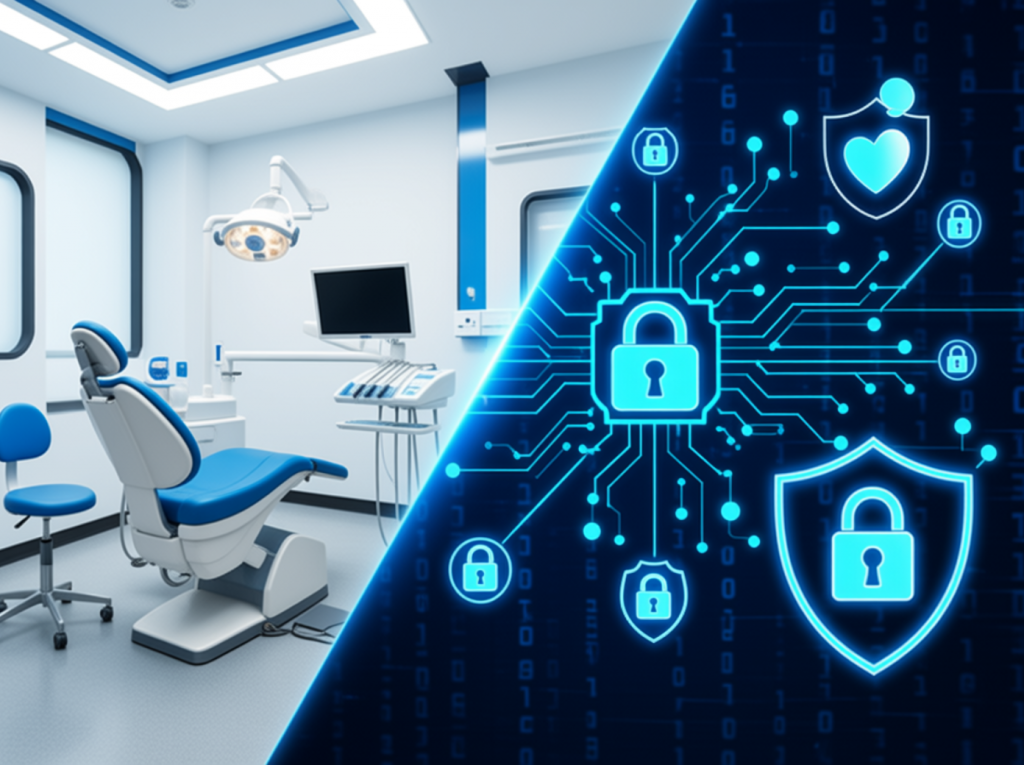
Modern dental practices rely on secure, connected technology to protect patient records, reduce downtime, and keep every location running smoothly.
Running one dental office is hard enough. Running several locations adds a whole new layer of complexity.
Now you are not just thinking about one front desk, one schedule, one set of patient records, or one server. You are trying to keep multiple offices connected, secure, and productive at the same time. And when technology fails, it does not just create a small inconvenience. It can stop patient care, delay billing, interrupt scheduling, and put sensitive patient data at risk.
In Episode 110 of Stimulus Tech Talk, Stimulus Technologies CEO Nathan Whittacre explains what multi-location dental practices need to think about when it comes to IT, security, cloud systems, backups, and HIPAA compliance.
Here’s the deal: dental practices rely on technology all day long. Practice management software, digital charts, X-rays, imaging files, schedules, billing systems, and patient records all need to be available when the team needs them. If those systems go down, the practice may not be able to see patients.
Nathan puts it plainly when talking about the systems dental offices worry about most: “Certainly the practice management software, you can't see patients without that being up.”
That is the key issue. IT is not just a back-office function anymore. It is part of patient care.
Why Multi-Location Dental Practices Need a Strong IT Plan
For multi-location dental offices, one major decision is whether each location should run separately or whether the offices should be connected through shared systems.
Separate systems may feel simpler at first. Each location has its own server, software, and workflow. But that can create problems when patients need to visit a different office, when records need to be shared, or when scheduling and billing should be centralized.
Connected systems can make daily operations easier, but they also create more technical requirements. Dental practices often deal with large files, including X-rays, scans, and images. These files need strong internet connections, reliable access, and secure transfer between locations.
That is why multi-location dental IT needs to be planned carefully. The goal is not just to connect offices. The goal is to make sure each office can work safely and smoothly.
Cloud vs. On-Site Servers for Dental Offices
One of the biggest technology questions for growing dental practices is whether to keep servers on-site or move systems to the cloud.
For a practice with one main office and one or two satellite locations, keeping servers and hardware in-house may still make sense. This setup can work well when the satellite offices only need occasional access to the main location.
But as a dental group grows beyond three or four locations, cloud infrastructure often becomes more practical. Cloud systems can make it easier to centralize data, apply consistent security policies, and improve availability across locations.
That said, cloud does not always mean cheaper. In many cases, it costs more because the practice is paying for outside infrastructure. The real question is not, “Is cloud better?” The better question is, “What setup gives this practice the best mix of reliability, security, cost control, and uptime?”
Dental Cybersecurity and HIPAA Compliance Matter at Every Location
Security is another major concern. Dental offices are subject to HIPAA requirements, and patient data must be protected both when it is stored and when it is moving between locations.
This means dental practices need strong security controls, including encrypted data, secure access, user management, and multi-factor authentication. When data is shared between offices, secure site-to-site VPNs can help protect information as it moves across the internet.
Every location should follow the same security standards. If one office has weak controls, it can create risk for the whole practice.
Backups Are Not Enough Without a Recovery Plan
Backups are critical, but backups alone are not enough.
A dental practice needs to know how quickly data can be restored. If a server fails, if ransomware hits, or if equipment is stolen or damaged, the practice needs a recovery plan that actually works.
That means thinking about high availability, offsite archives, local replication, and disaster recovery before something bad happens.
Because when a dental office loses access to its systems, the damage can pile up fast. Patients may need to be canceled. Appointments may have to be rescheduled weeks out. Team members may not be able to access the information they need. And the practice may lose revenue, trust, and momentum.
Choosing the Right Dental IT Provider
This is why choosing the right IT provider matters. Dental practices should look for a provider that understands dental software, imaging systems, compliance needs, cybersecurity, backups, and multi-location operations.
Generic IT support may not be enough.
The right IT partner should help your practice reduce downtime, protect patient data, create a disaster recovery plan, and build a long-term technology roadmap. Your provider should also understand how important practice management software, X-ray systems, and digital records are to patient care.
Final Thoughts
Multi-location dental practices need IT that is reliable, secure, and built around how the practice actually works. The goal is simple: keep patient care moving, keep data protected, and keep every location connected without unnecessary stress.
To hear the full conversation, listen to Episode 110 of Stimulus Tech Talk on your favorite podcast platform or watch it on the Stimulus Technologies YouTube channel.