If you run a small business in Las Vegas, you already have enough on your plate.
You are managing employees, serving customers, watching cash flow, and trying to grow. The last thing you need is to waste time dealing with slow computers, security problems, or an IT company that takes forever to call you back.
That is why many small businesses choose managed IT services.
But let’s be honest. The phrase managed IT services can feel vague. It sounds helpful, but what does it actually include?
Here’s the deal: managed IT services are designed to keep your technology running smoothly, securely, and without constant drama. Instead of waiting for something to break, a managed IT provider works in the background to prevent problems, support your team, and keep your business moving.
In this article, I’ll break down what’s usually included in managed IT services for small businesses in Las Vegas, what may cost extra, and what you should expect from the right provider.
What Are Managed IT Services?
Managed IT services are ongoing technology support for a fixed monthly fee.
Instead of paying for IT only when something breaks, you get proactive support that helps prevent issues before they turn into expensive downtime.
For most small businesses, that means having a team that helps with things like:
- user support
- cybersecurity
- system updates
- backups
- network monitoring
- planning for future technology needs
In simple terms, managed IT services give you access to a full IT team without having to hire one in-house.
What’s Included in Managed IT Services for Small Businesses?
Most managed IT service plans include a mix of support, maintenance, monitoring, and security. The exact package depends on the provider, but these are the core services most small businesses can expect.
1. Help Desk Support
When something goes wrong, your team needs help fast.
That might mean a locked account, email issue, printer problem, software glitch, or a laptop that suddenly stops cooperating.
Help desk support usually includes:
- remote troubleshooting
- password resets
- software support
- login and access issues
- basic user assistance
- escalation for urgent problems
This is one of the most important parts of managed IT services because it keeps your employees productive instead of stuck waiting around.
2. 24/7 Monitoring
A lot of IT issues start quietly.
A server runs low on space. A firewall goes offline. A backup fails. A workstation misses a critical update.
If no one is watching, these small issues can turn into big ones.
That is why many managed IT providers offer 24/7 monitoring. They use tools to keep an eye on your systems around the clock so they can catch problems early and resolve them before they disrupt your business.
For a small business, that can mean less downtime, fewer surprises, and a lot less stress.
3. Patch Management and Software Updates
Outdated systems create risk.
They can slow down performance, cause software conflicts, and leave your business open to cyberattacks.
Managed IT services usually include routine patching and updates for:
- operating systems
- business software
- workstations
- servers
- security tools
- network equipment
This helps keep your environment stable, secure, and current without your team having to manage it manually.
4. Cybersecurity Protection
Cybersecurity is one of the biggest reasons small businesses hire a managed IT provider.
Why? Because small businesses are often targeted, and most do not have the time or in-house expertise to stay ahead of today’s threats.
Managed IT services often include:
- antivirus and endpoint protection
- firewall management
- email filtering
- threat monitoring
- multi-factor authentication support
- user access controls
- suspicious activity alerts
Some providers also offer advanced cybersecurity services, such as managed detection and response, employee security training, and compliance support.
The key point is this: cybersecurity should not be an add-on after something goes wrong. It should be built into your IT strategy from the start.
5. Data Backup and Disaster Recovery
Backups are easy to ignore until you need one.
If a file gets deleted, a server fails, or ransomware hits your business, a reliable backup can be the difference between a quick recovery and a major crisis.
Managed IT services often include:
- backup monitoring
- cloud or local backups
- backup verification
- recovery planning
- disaster recovery support
A good provider will not just say you have backups. They will help make sure those backups are working and that your business knows how to recover if something goes wrong.
6. Network Management
Your network connects everything.
If your Wi-Fi is weak, your firewall is outdated, or your internet connection is unstable, your team feels it right away.
Managed IT services often cover:
- firewalls
- routers
- switches
- wireless access points
- VPNs
- network performance monitoring
This helps keep your business connected, secure, and running smoothly day after day.
7. Device and Endpoint Management
Most small businesses have more devices than they realize.
There are desktops, laptops, tablets, mobile phones, and sometimes remote devices used by employees working from home or on the go.
Managed IT providers often help manage those devices by handling:
- setup and deployment
- monitoring and maintenance
- endpoint security
- hardware tracking
- lifecycle planning
- standardization across devices
This makes it easier to support your team, reduce security gaps, and plan for future hardware needs.
8. User Onboarding and Offboarding
When an employee joins your company, they need the right setup from day one.
When someone leaves, access needs to be removed quickly to protect your business.
Managed IT services often include support for:
- creating user accounts
- setting permissions
- onboarding new employees
- offboarding departing employees
- managing Microsoft 365 or Google Workspace
- resetting passwords and adjusting access
This is a simple service that makes a big difference in both security and efficiency.
9. Strategic IT Planning
A strong managed IT provider does more than solve day-to-day issues.
They also help you think ahead.
That may include:
- budgeting for future upgrades
- planning hardware replacements
- recommending better tools
- supporting cloud migration
- improving cybersecurity over time
- aligning IT with your business goals
This is where managed IT becomes more than support. It becomes a real business asset.
You should not have to guess what needs attention next or whether your current setup can support growth.
10. Vendor Coordination
Technology problems are frustrating enough. They get even worse when multiple vendors are involved.
Your internet provider blames your phone system. Your software vendor blames your network. Your copier vendor says it is not their issue.
A managed IT provider can step in, coordinate with outside vendors, and help get problems resolved faster.
That saves you time and keeps you from getting stuck in the middle.
What Might Cost Extra?
This is where you need clarity.
Not every managed IT plan includes everything. Some providers offer a base package and charge extra for higher-level services.
Common add-ons may include:
- advanced cybersecurity tools
- compliance support
- cloud infrastructure management
- virtual CIO services
- employee security awareness training
- onsite support outside normal coverage
- major projects or migrations
- hardware procurement
There is nothing wrong with add-ons. The problem is when pricing is unclear.
You want to know exactly what is included, what is optional, and what happens if you need support outside your agreement.
What Is Not Always Included in Managed IT Services?
Some services are often separate from your monthly agreement, especially large or one-time projects.
These may include:
- office relocations
- major server upgrades
- full cloud migrations
- structured cabling
- custom software work
- new hardware purchases
- large infrastructure projects
That is normal. What matters is transparency.
A good provider will explain this clearly before you sign anything.
Why Managed IT Services Matter for Las Vegas Small Businesses
Small businesses in Las Vegas cannot afford long outages, weak security, or slow support.
Whether you are in healthcare, legal, finance, construction, retail, or professional services, technology problems can hurt productivity, damage trust, and cost real money.
Managed IT services help solve that by giving you:
- faster support
- fewer disruptions
- stronger cybersecurity
- predictable monthly costs
- better long-term planning
Most business owners are not looking for flashy tech. They just want IT to work, their people to stay productive, and someone reliable to call when they need help.
That is exactly what managed IT services are supposed to provide.
How to Choose the Right Managed IT Provider in Las Vegas
Not every provider offers the same level of service.
When comparing managed IT services, ask questions like:
- What is included in the monthly fee?
- Do you offer 24/7 monitoring?
- How quickly do you respond to support requests?
- What cybersecurity services are included?
- How do you handle backups and recovery?
- Do you offer live phone support?
- Will we have a dedicated point of contact?
- What services cost extra?
- How do you help us plan for growth?
Look for clear answers, simple language, and a provider that understands small business realities.
If they overcomplicate everything or avoid direct questions, that is usually a warning sign.
Final Thoughts
So, what’s included in managed IT services for small businesses in Las Vegas?
Usually, it includes help desk support, monitoring, updates, cybersecurity, backups, network management, device support, user management, and strategic planning.
In other words, managed IT services are meant to keep your business running without constant technology headaches.
The right provider does not just wait for things to break. They help prevent problems, protect your business, and give you peace of mind.
And honestly, that is what most small business owners are really looking for.
Let’s Talk About Your IT
You should not have to chase down your IT company, wait around for answers, or wonder if your business is protected.
A quick discovery call can help you understand where your current setup is working, where the risks are, and what it would look like to have an IT partner that actually responds.
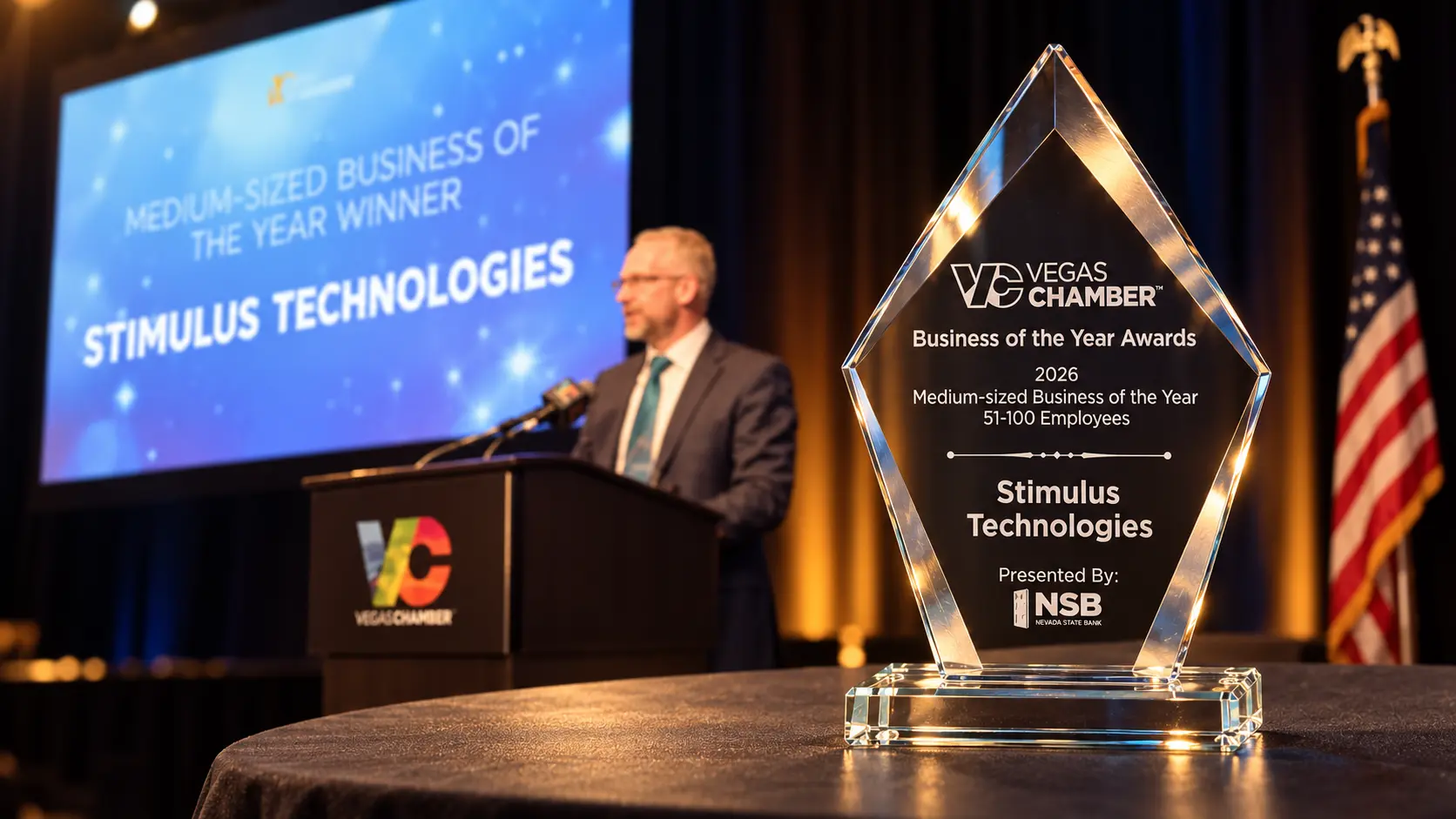
Book your discovery call today and see how Stimulus Technologies can help you reduce downtime, improve security, and get peace of mind.
Frequently Asked Questions
What are managed IT services for small businesses?
Managed IT services are ongoing IT support and maintenance provided for a monthly fee. They usually include help desk support, monitoring, cybersecurity, updates, backups, and network management.
What is included in managed IT services?
Most managed IT services include user support, 24/7 monitoring, patch management, cybersecurity, backup support, device management, network support, and strategic IT planning.
Do managed IT services include cybersecurity?
Yes, most managed IT providers include some level of cybersecurity. This often includes endpoint protection, firewall management, email filtering, access controls, and threat monitoring. More advanced protection may cost extra.
Do managed IT services include data backup?
Many do. Backup services often include backup monitoring, cloud or local backups, and recovery planning. The level of backup protection depends on the provider and service package.
Are managed IT services worth it for small businesses?
For many small businesses, yes. Managed IT services can reduce downtime, improve security, give you faster support, and provide predictable costs without the overhead of hiring a full internal IT team.
How much do managed IT services cost in Las Vegas?
Pricing varies based on the number of users, devices, locations, and security needs. Many providers charge a fixed monthly fee, which helps make budgeting easier.
What is the difference between managed IT services and break-fix IT?
Managed IT services are proactive. Break-fix IT is reactive. With managed IT, your provider works to prevent problems before they happen. With break-fix, you only call after something goes wrong.
Can managed IT services support remote employees?
Yes. Most managed IT providers can support remote and hybrid teams through remote troubleshooting, device management, cloud tools, secure access, and endpoint protection.
Do managed IT services include onsite support?
Sometimes. Some providers include onsite visits in their agreement, while others charge separately. It is important to ask how onsite support is handled before you sign.
How do I choose the best managed IT provider in Las Vegas?
Choose a provider that offers clear pricing, fast response times, strong cybersecurity, proactive support, and simple communication. You want a partner who understands your business, not just your devices.